Browser Automation Doesn't Scale
Browser automation is great for demos. For enterprise workflows running millions of actions a month, it’s slow, brittle, and shockingly expensive.
When you open a browser, you’re downloading a few hundred megabytes of fonts, novels of HTML, a full JavaScript virtual machine, and a Chromium process using enough memory to land a small plane.
Browsers exist so humans can perform tasks with their eyes. And see ads. If your automation boots a browser up to click a button, you’ve put a human-shaped suit on a computer and told it to run faster.
Every operator running automation at scale knows this. The folks shipping real volume reach for a browser only when nothing else works.
Browsers are for humans. Agents and computers need something else.
Browsers are expensive
Browser infrastructure vendors are racing to drive down per-call prices. Costs hover around $0.12-$0.24 per call at their lowest. At any real volume, that adds up brutally.
And $0.12 is a generous number for a single session. A browser use workflow is rarely a 1-session process. It’s a login, a navigation, a few clicks, a form submit, sometimes an LLM round-trip to decide what to do next, sometimes a CAPTCHA. Real-world per-call ends up closer to $1-$1.50.
Supergood customers run at production scale every month. At browser-automation rates, that turns into an enormous annual bill just to click buttons.
A network call to the same backend skips all of that. It’s the same endpoint, but without the expensive scenic route.
Browsers are slow
An independent academic benchmark of CUA efficiency found that tasks a human completes in 2 minutes routinely take agents over 20 minutes. Across 16 top agents tested, even the best ones used 1.4 to 2.7x more steps than needed, and 75-94% of total task time was burned on LLM planning and reflection calls.
A direct API call would have finished any of these in 80 milliseconds.
The slowness is the browser doing its job: rendering pages, parsing megabytes of framework JavaScript, loading fonts and ad pixels, animating sidebars. All wasted work when your goal is to POST a form. Request-based comparisons routinely show 10x to 100x speed differences on the same workflow.
Reliability is the actual killer
One Supergood customer put it this way:
“Watching browser automation is the first time I’ve felt the urge to reach through the screen and strangle a piece of software.”
If you've survived an RPA rollout, you’ll recognize this failure mode. RPA rebranded to “browser automation”.
The most rigorous public CUA benchmark puts agent success rates at 67-85% on simple UI interactions and 9-19% on complex multi-step workflows. Fewer than 1 in 5 real multi-step enterprise tasks are completed reliably.
The same paper documents trajectory degradation: the agent looks productive while quietly forgetting constraints, dropping confirmation steps, and eventually submitting the wrong record at step 14. The worst possible failure mode for an enterprise integration, because the system thinks it succeeded.
Every time the vendor ships a new modal, an A/B test, or a redesigned button, the agent has to re-learn the page. Selectors drift, screenshots change, prompts that worked last week click the wrong tile.
What actually works at scale
Supergood started as an observability company, monitoring third-party APIs in production. The first version of our product informed what we do now: network calls are deterministically observable and maintainable. Buttons on a screen are not.
A network call has a method, a URL, a body, a status code, and a payload. You can replay it, diff it, monitor it, and write an alert against any byte of it. A button has pixels, and pixels look the same whether the click did the right thing or did nothing.
Supergood works at the network layer: it maps the authenticated flows behind a web app and exposes them as a clean REST API. The browser was a debugger we didn’t need to keep around.
Three consequences:
- Speed. No render, no JavaScript VM, no headless Chrome. Latency in milliseconds.
- Cost. None of the per-session compute a browser charges for.
- Surface area to break. Front-end JavaScript can churn weekly without touching the underlying endpoints. XHR contracts change at a much slower rate, and our maintenance agents see the diff and are already pushing out a fix before our customer notices.
Mapping a platform's network calls is a neat demo to impress your CTO.
Handling authentication, MFA, CAPTCHAs, and keeping millions of calls green for many years is the product. Browser automation and network-layer integrations both demo well. The difference shows up as soon as you push it to production.
Antibrowser.com
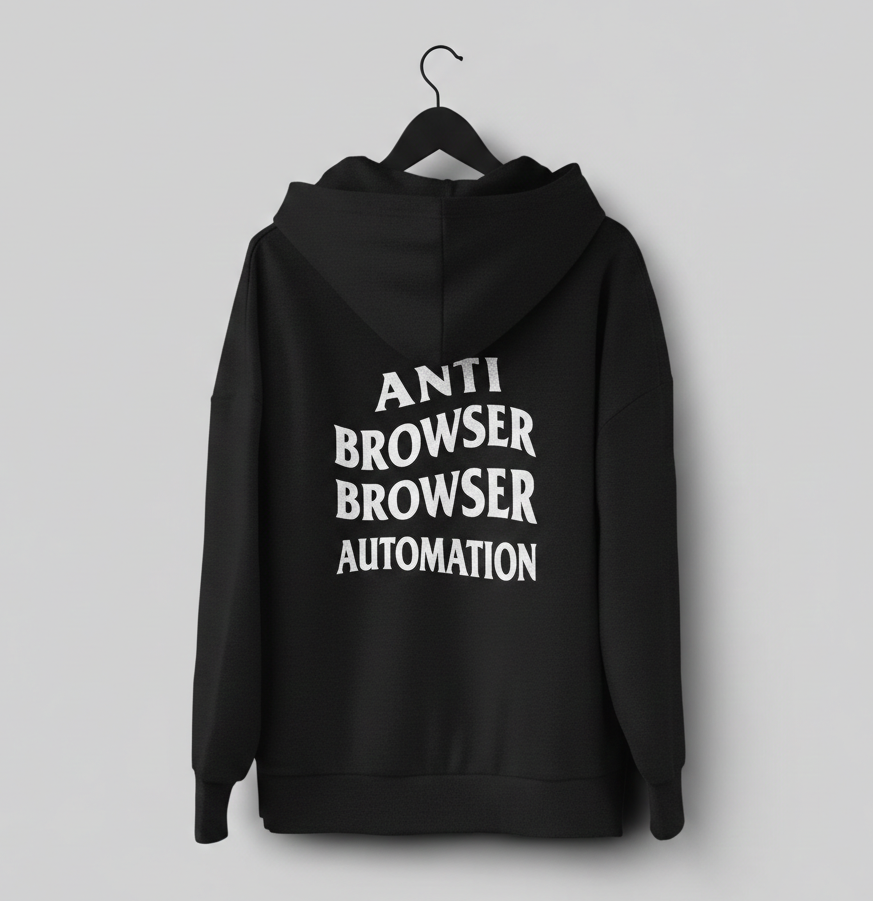
I bought antibrowser.com. I made hoodies. I’m committed to the bit.
The industry is about to invest heavily in browser-automation infrastructure that will produce great keynote videos and poor customer outcomes.
The companies that figure this out first will run their agents far leaner and far more reliably than those still paying for Chromium on every task.
If you’re running high-volume or high-value automation in the enterprise, talk to us.
Supergood builds and maintains APIs for enterprise software that doesn’t offer them, built from the platform's own network requests, with observability so the integration keeps working as things change.
FAQ
How much does browser automation cost per call?
Vendor list prices bottom out around $0.12 to $0.24 per call, and that assumes a single session. A real workflow is a login, a navigation, a few clicks, a form submit, and often an LLM round-trip or a CAPTCHA, so real-world per-call cost lands closer to $1 to $1.50.
Why is browser automation unreliable at scale?
Benchmarks put agent success at 67 to 85% on simple UI interactions and only 9 to 19% on complex multi-step workflows, and agents degrade mid-task by quietly dropping constraints and confirmation steps. Every vendor redesign, new modal, or A/B test forces the agent to re-learn the page, so the flow breaks on someone else's schedule.